Microsoft announces set of new features in Microsoft Teams to make virtual interactions more natural
11132 Mins Read
Microsoft announced a set of new features in Microsoft Teams that make virtual interactions more natural, more engaging, and ultimately, more human.
These features offer three key benefits for people at work and in education. First, they help one feel more connected with one’s team and reduce meeting fatigue.
Second, they make meetings more inclusive and engaging.
And third, they help streamline one’s work and save time. It’s all about enabling people everywhere to collaborate, to stay connected, and to discover new ways to be productive from anywhere.
Among other things, Microsoft introduced the Together mode, a new meeting experience in Teams that uses AI segmentation technology to digitally place participants in a shared background, making it feel like one is sitting in the same room with everyone else in the meeting or class.
Together mode makes meetings more engaging by helping one focus on other people’s faces and body language and making it easier to pick up on the non-verbal cues that are so important to human interaction. It’s great for meetings in which multiple people will speak, such as brainstorms or roundtable discussions, because it makes it easier for participants to understand who is talking. Together mode with auditorium view is rolling out now and will be generally available in August.
Microsoft said that it’s research has shown that many feel less connected since moving to remote work, and experience more fatigue during video meetings than during in-person collaboration.
Microsoft also introduced the Dynamic View. While Together mode offers an extraordinary new meeting experience, it’s not intended for every meeting.
A set of enhancements we call dynamic view gives one more control over how one sees shared content and other participants in a meeting.
Using AI, meetings dynamically optimize shared content and video participants. New controls—including the ability to show shared content and specific participants side-by-side—let you personalize the view to suit your preferences and needs.
Dynamic view builds on the meetings enhancements announced last month, which include large gallery view (rolling out in August), where you can see video of up to 49 people in a meeting simultaneously, and virtual breakout rooms, which allow meeting organizers to split meeting participants into smaller groups for things like brainstorming sessions or workgroup discussions.
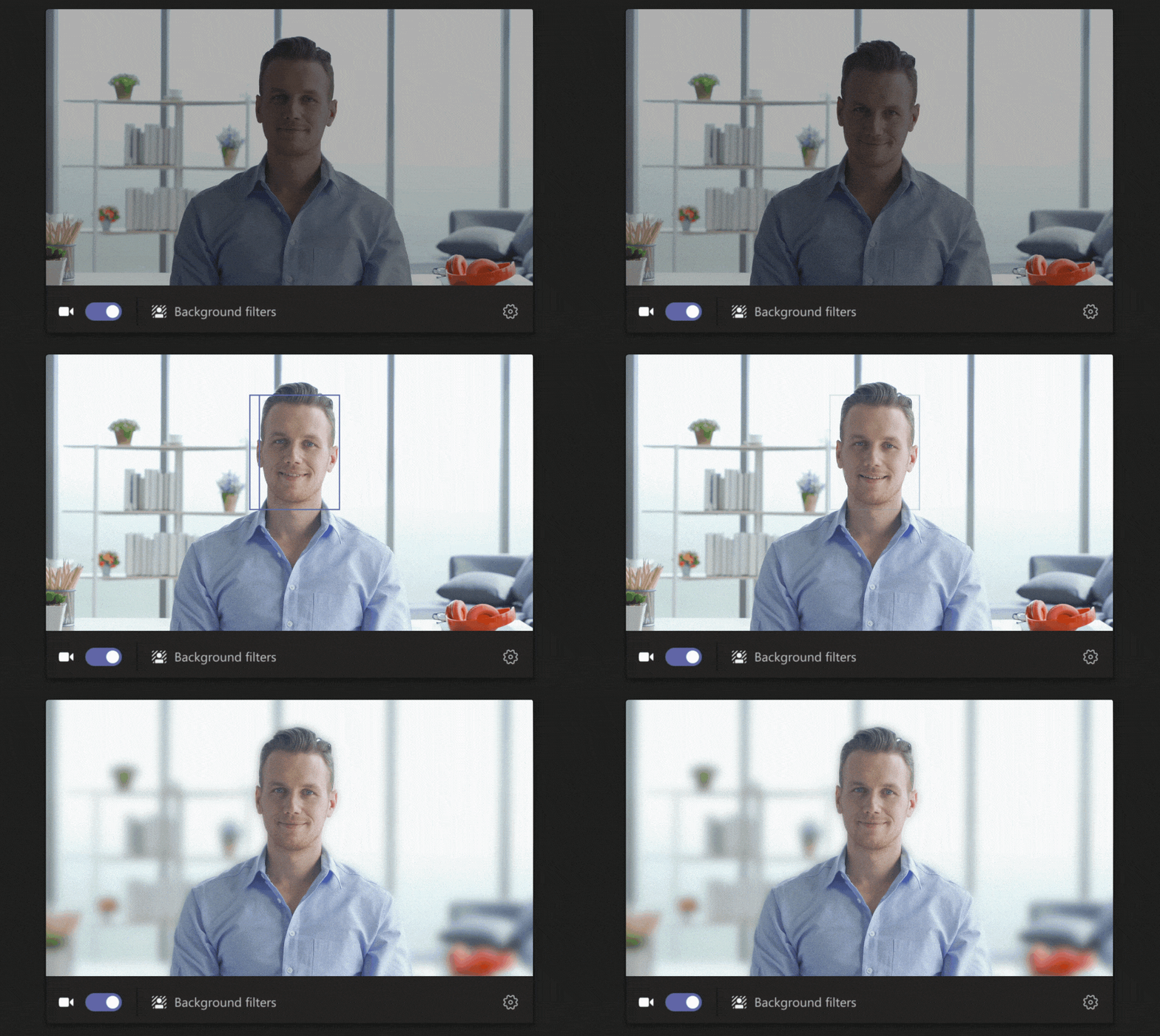
Video filters used in photography and social media apps, have also been introduced to use to subtly adjust lighting levels and soften the focus of the camera to customize one’s appearance.
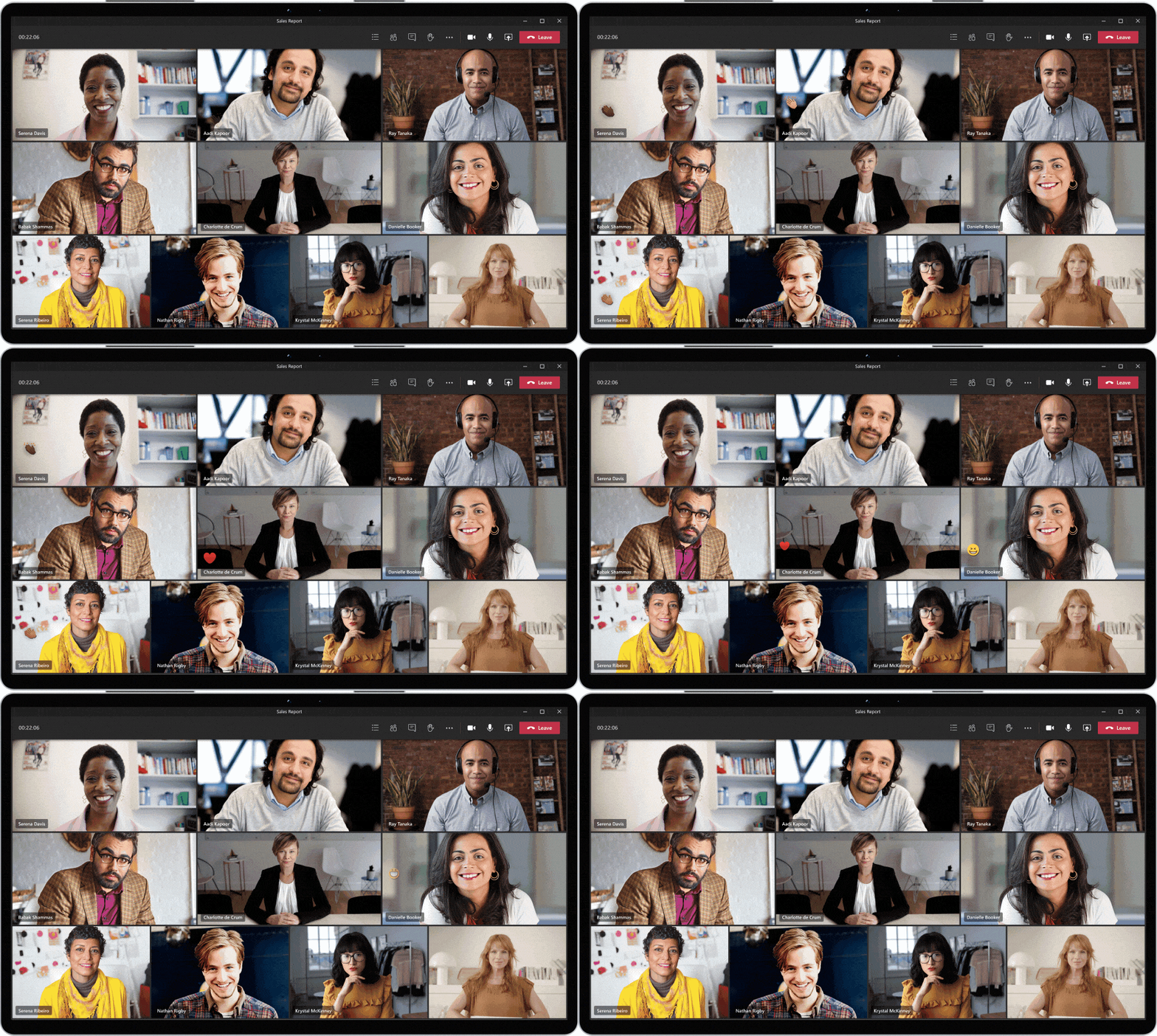
Soon, one will also be able to react during a meeting using emojis that will appear to all participants. Live reactions is a shared feature with PowerPoint Live Presentations, which allows audience members to provide instant feedback to the presenter. Microsoft is also bringing PowerPoint Live Presentations to Teams in the future, further enabling audience engagement right from Teams.